One of the biggest mistakes I see beginners make in content creation is overcomplicating tools. They think they need expensive equipment, complex software, or advanced setups before they can start.
But the truth is simple. You do not need too many tools. You only need the right ones and you need to understand how to use them properly.
On Taculia Blog, I always focus on clarity and practicality. Content creation is not about tools. It is about how you use simple tools to express your ideas clearly and consistently.
Before I go deeper into each tool and how to use them, let me answer the main question directly.
What tools do I need as a content creator
The basic tools you need as a content creator are a video editing app, a design tool for thumbnails, a background remover, a good smartphone, a content planning tool, and a platform to publish your content. These tools help you create, edit, improve, and share your content effectively without making the process complicated.
Now let me break these tools down in a simple and practical way so you can understand not just what they are, but how to use them.
Video editing tool
For video editing, one of the simplest and most effective tools I recommend is InShot. It is beginner friendly and powerful enough to handle most social media content needs.
Video editing is important because raw videos often need trimming, arrangement, and small improvements before they are ready to post.
How I use it is simple. I import my video into the app, cut out unnecessary parts, arrange the clips in the right order, and then adjust the timing so the content flows smoothly.
I also add text where necessary to highlight key points and sometimes include background music to improve engagement.
The goal is not to over edit. The goal is to make the video clear and easy to watch.
If you are creating short videos for platforms like TikTok or Instagram, this tool alone can handle most of your editing needs.
Thumbnail and design tool
For thumbnails and visual design, Canva Pro is one of the easiest tools to use. It helps you create clean and attractive designs without needing advanced design skills.
Thumbnails are important because they are the first thing people see before clicking your content. A good thumbnail increases your chances of getting attention.
When I use Canva, I start by selecting a template that fits my content. Then I adjust the text, change the images, and make sure the design is simple and clear.
I focus on bold text, clear images, and strong contrast so that the thumbnail stands out even on small screens.
You do not need to design something complicated. Simplicity works better in most cases.
Background remover tool
Sometimes you need to remove the background of an image to make your design cleaner. This is where tools like Background Eraser come in.
This tool allows you to isolate a subject from its background so you can place it on a different design or create a more focused visual.
How I use it is straightforward. I upload the image, carefully remove the background, and then export the image as a transparent file.
After that, I take it into Canva or any design tool and use it in my thumbnail or content design.
This simple process makes your visuals look more professional without requiring advanced editing skills.
Your smartphone
Your smartphone is your main content creation tool. It is your camera, your editing device, and your publishing device all in one.
You do not need an expensive camera to start. Most modern smartphones can produce high quality videos and images that are good enough for social media.
What matters more is how you use your phone. Make sure your videos are clear, your lighting is good, and your audio is understandable.
Position your camera properly, keep your background simple, and focus on delivering your message clearly.
The smartphone removes the barrier to entry. You can start immediately with what you already have.
Content planning tool
Content creation becomes easier when you plan ahead. This is why you need a simple content planning tool.
This can be a notes app, a simple document, or any tool where you can write down your content ideas.
What I do is list out ideas, organize them based on topics, and then decide when to create and post each one.
This prevents confusion and helps you stay consistent.
If you want to understand how to build a proper content system, I have explained it clearly in my guide on content creation for social media systems and growth.
Publishing platforms
Your tools are not complete without a platform where your content will be published.
Platforms like Facebook, YouTube, Instagram, and TikTok are where your content reaches people.
Each platform has its own style and audience, so you need to understand how your content fits into each one.
If you are not sure which platform to focus on, I have already broken it down in my guide on best platforms for content creators.
Audio clarity tools
Good audio is often ignored by beginners, but it is very important. People can tolerate average video quality, but poor audio can make them leave your content quickly.
You can improve your audio by recording in a quiet environment or using simple microphones if available.
Even without external tools, being mindful of your environment can improve your audio quality significantly.
Lighting and environment setup
Lighting is another simple but powerful tool. You do not need professional lights to start.
Natural light from a window can work perfectly if positioned correctly.
Make sure your face or subject is well lit and avoid dark or unclear visuals.
Your environment should also be clean and not distracting so that people focus on your message.
How all these tools work together
What matters is not just having these tools but understanding how they connect.
Your smartphone helps you record content. Your editing app helps you refine it. Your design tool helps you present it. Your planning tool helps you stay consistent. Your platform helps you distribute it.
When you see it this way, content creation becomes a simple system instead of a confusing process.
If you are still new and trying to understand how to start properly, you can read my guide on how to start content creation where I explain the foundation step by step.
You can also understand the deeper meaning behind content creation in my explanation of what social media content creation really means.
My final thoughts on tools for content creators
The truth is you do not need too many tools to start content creation. You only need the right ones and a clear understanding of how to use them.
Most creators delay their growth because they focus too much on tools instead of action.
As I always say on Taculia Blog, content creation is not about having everything. It is about using what you have effectively.
If you start simple, stay consistent, and improve gradually, your tools will grow with you naturally.
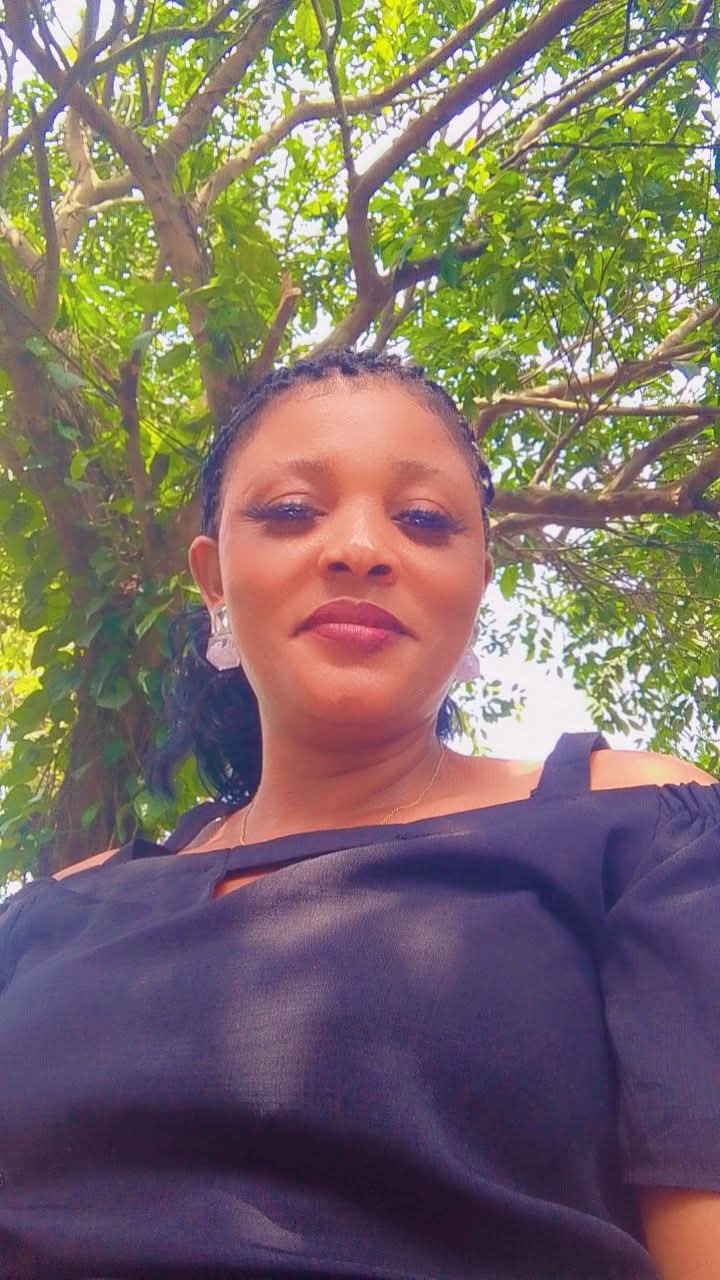
Peace Eventus is a digital entrepreneur and founder of the Taculia Media Group. Alongside her husband, Eventus Okon, she manages a diverse portfolio of creative agencies, web design services, and digital marketing blogs built to help modern brands scale their online footprint.